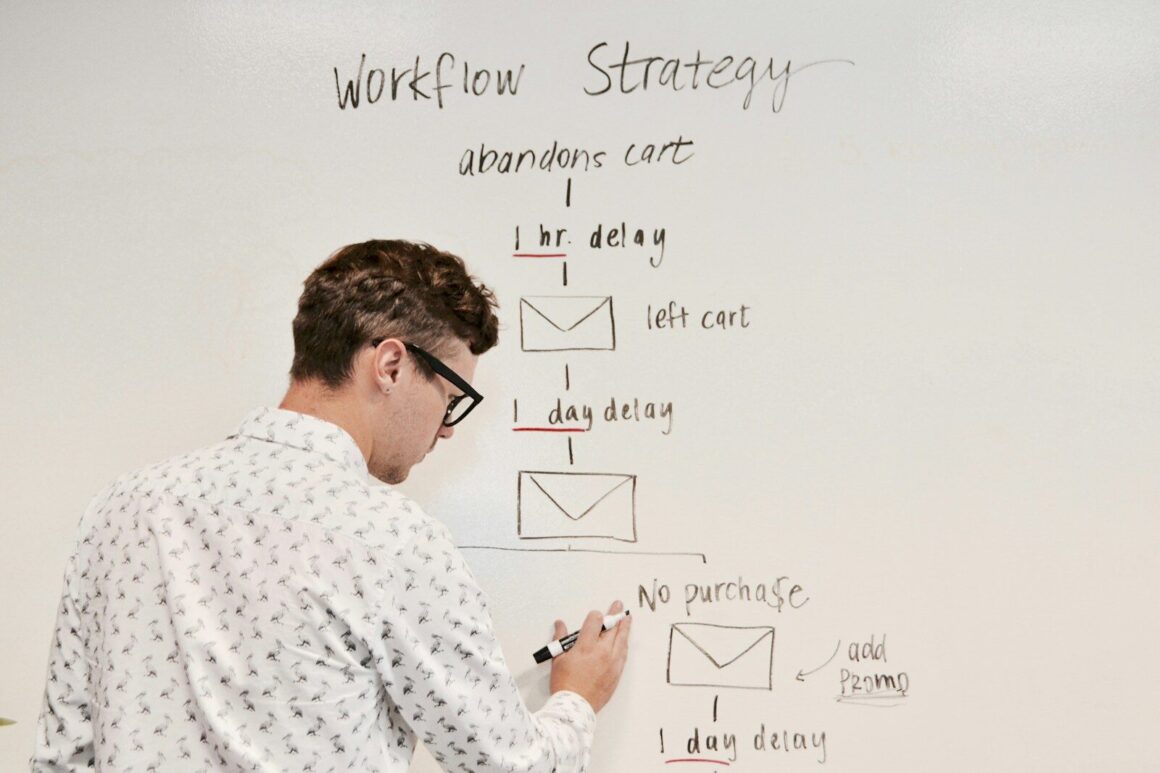
Email automation sounds simple until you’re the one trying to make it work. A few triggers here, a welcome email there, maybe an abandoned cart reminder, and suddenly you’ve got a messy tangle of workflows that send the wrong message at the wrong time.
That’s why an email automation strategy matters. Not because automation is new, and not because every tool now promises AI-powered magic, but because you need a clear plan for who gets what, when, and why. If you don’t, you end up automating noise.
A good strategy helps you turn email into something more useful: a system that supports onboarding, nurtures leads, recovers lost sales, and keeps customers engaged without making your brand feel weirdly robotic. Here’s how to build one that actually holds up in real-world marketing.
What An Email Automation Strategy Actually Includes

An email automation strategy is the structure behind your automated emails, not just the emails themselves. It covers your goals, audience segments, trigger logic, messaging, timing, metrics, and the tools that make it all run.
In other words, it answers a few practical questions:
- What customer action should trigger an email?
- What should that email help the person do next?
- How does the message change based on where they are in the journey?
- How will you know the workflow is doing its job?
That’s the difference between “we send automated emails” and “we have a working automation program.” One is a feature. The other is a system.
If you’re still getting familiar with the bigger picture, this plain-English guide to marketing automation basics is a helpful starting point before you map more advanced sequences.
How Automation Differs From Basic Email Scheduling
Basic scheduling is exactly what it sounds like: you write an email, pick a date and time, and send it to a list. Useful, yes. Strategic by itself, not really.
Automation works differently. It reacts to behavior. Someone signs up, downloads a guide, visits a pricing page three times, starts checkout, or goes quiet for 60 days, and that action triggers a relevant sequence.
That behavior-based approach is why automation usually performs better than batch sends. You’re not interrupting people with a calendar-driven message. You’re responding to intent.
The gap matters more than many teams expect. Scheduled campaigns treat subscribers as a group. Automated workflows treat them as individuals moving through different stages.
Why Strategy Matters More Than The Tool Itself
A strong strategy on a modest platform will usually beat a fancy tool with weak planning. That’s not very glamorous, but it’s true.
Plenty of teams buy software because the workflow builder looks slick, then realize they haven’t defined triggers, lifecycle stages, handoffs, or success metrics. The result is often overbuilt automation that nobody trusts enough to expand.
Your strategy should come first:
- the business goal
- the audience segment
- the trigger event
- the message sequence
- the exit condition
- the KPI tied to business impact
The tool is there to execute that logic. Nothing more mystical than that.
Set Goals, Audience Segments, And Success Metrics
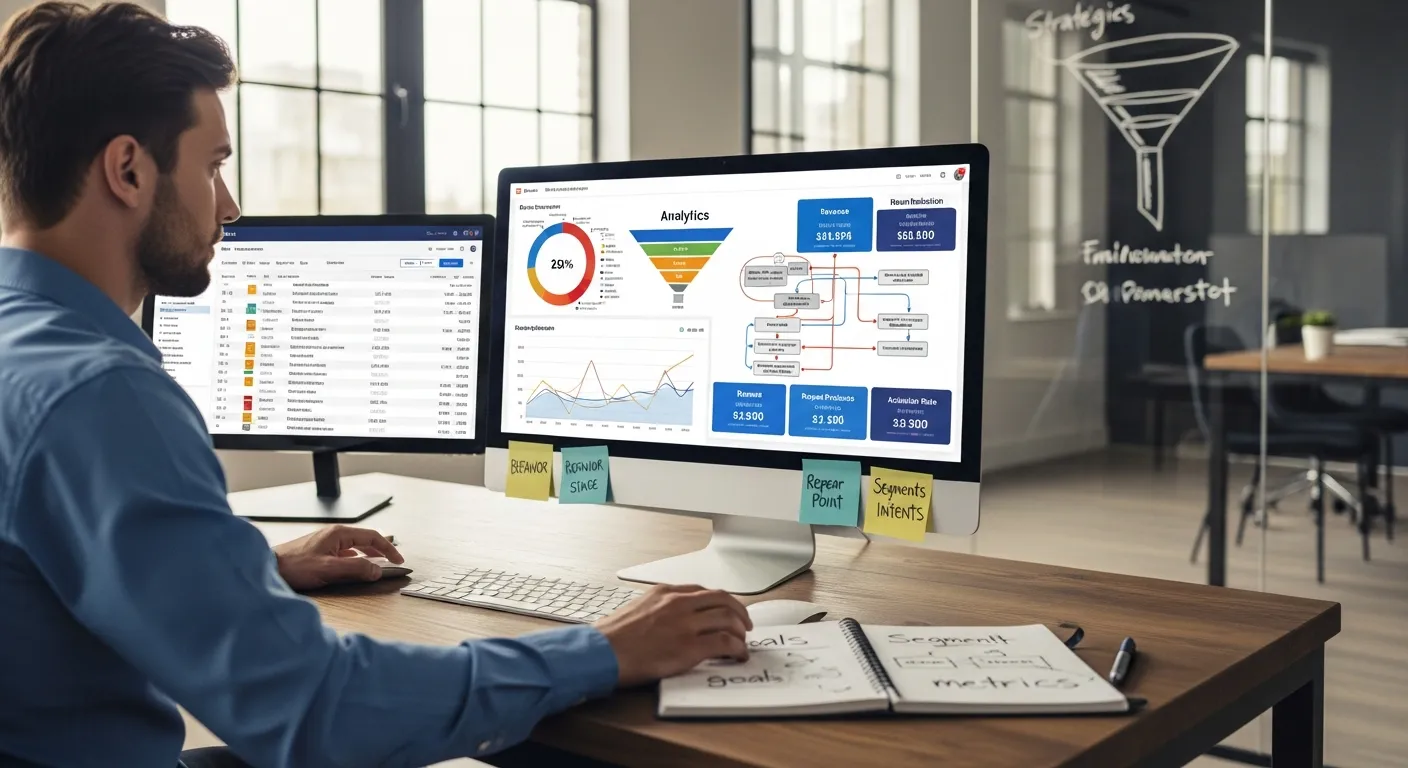
Before you build any workflow, decide what you’re trying to improve. This sounds obvious, yet a lot of automation setups are still built around activity rather than outcomes. More sends. More opens. More “engagement.” That’s not useless, but it’s not enough.
Choose Goals That Connect To Revenue Or Retention
The best automation goals are tied to a real business result. Think:
- converting new leads into booked demos
- moving trial users to paid plans
- increasing repeat purchases
- reducing churn
- reviving inactive customers
If your only goal is open rate, you can end up optimizing the wrong thing. A subject line that gets more opens but attracts low-intent clicks isn’t much of a win.
A better approach is to track leading and lagging indicators together. For example, a welcome flow might track open and click rate, but also activation rate or first purchase rate. A re-engagement sequence should be judged by recovered customers, not just curiosity clicks.
You can find smart benchmarking ideas in broader marketing analysis from HubSpot’s marketing blog, especially if you want to connect lifecycle email metrics to pipeline and retention instead of vanity numbers.
Build Segments Based On Behavior, Stage, And Intent
Segmentation is where strategy starts feeling real. Not everyone on your list wants the same thing, and pretending otherwise usually leads to flat performance.
Start with three lenses:
Behavior: what people did or didn’t do. Opened emails, viewed products, downloaded content, abandoned checkout, used a feature, or stopped logging in.
Stage: where they are in the journey. New subscriber, MQL, active customer, repeat buyer, dormant account.
Intent: how close they seem to a decision. Someone reading educational content is different from someone comparing pricing pages.
This is also where your CRM and website data start to matter. If your email platform can’t sync behavior cleanly, segmentation gets clunky fast.
For practical examples of how these segments connect to workflows, this breakdown of real automation workflow patterns is worth reviewing before you build from scratch.
Map The Core Automated Email Journeys
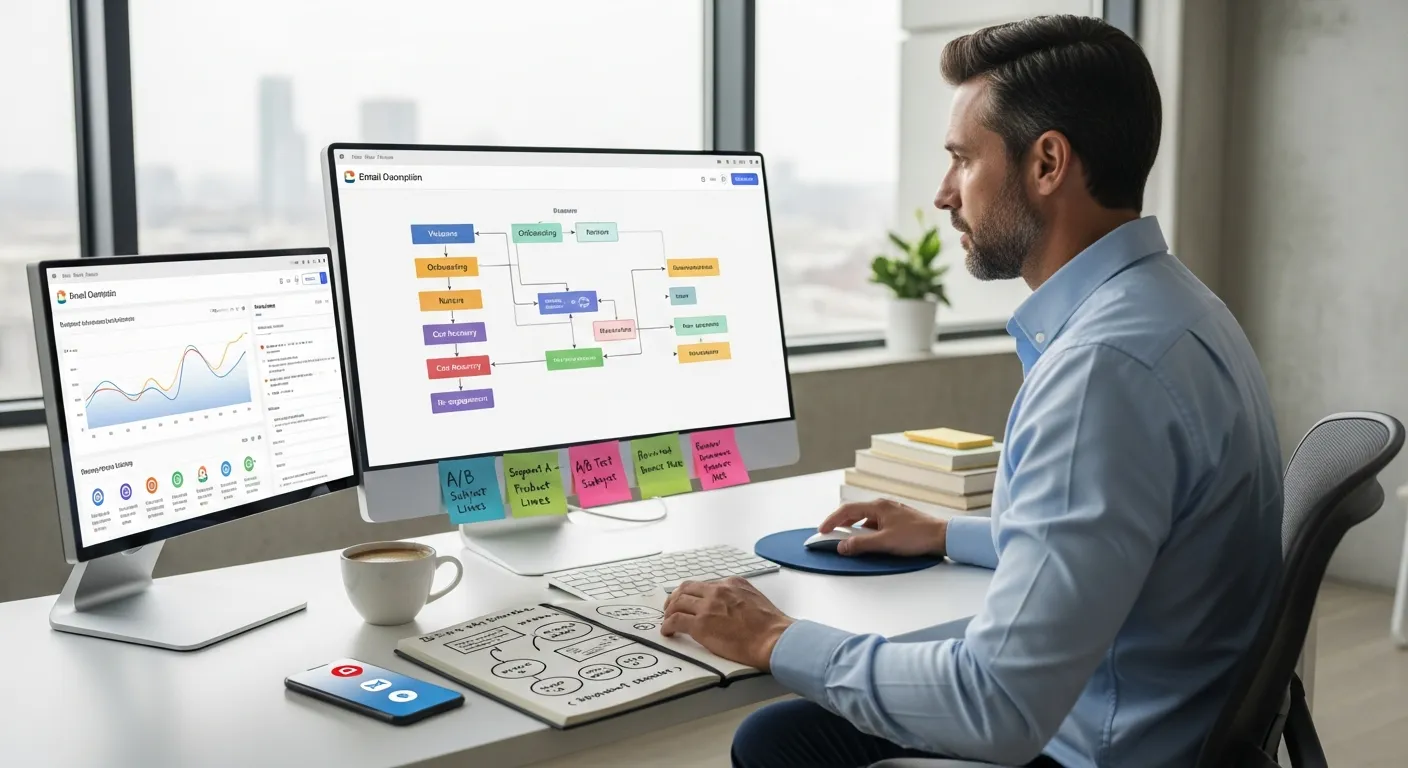
Once goals and segments are clear, map the journeys that matter most. You don’t need 25 automations on day one. You need a small set that handles high-value moments well.
For most businesses, that starts with welcome, onboarding, nurture, cart recovery, and re-engagement.
Welcome And Onboarding Sequences
Your welcome sequence is often the most opened automation you’ll ever send, so it deserves more thought than a quick “thanks for subscribing.”
A solid welcome flow should set expectations, explain value, and guide the next step. That could be browsing products, completing a profile, booking a call, or using a core feature for the first time.
Onboarding goes a step further. It helps a new user or customer get from sign-up to first success. And first success is the whole game. If someone doesn’t experience value early, the rest of your lifecycle messaging gets harder.
A few practical rules help here:
- keep the first message immediate
- introduce one next step at a time
- use plain language, not product theater
- stop the sequence if the person already completes the goal
A common mistake? Over-explaining every feature in week one. Most people don’t want the grand tour. They want one useful win.
Lead Nurture, Abandoned Cart, And Re-Engagement Flows
Lead nurture sequences should move prospects forward based on interest, not just drip out content because the calendar says day three, day five, day seven.
If someone downloaded a tactical SEO guide, your follow-up should stay close to that problem. If they visited pricing after a webinar, they’re signaling a different kind of readiness. That’s where branching logic becomes useful.
Abandoned cart emails are more direct. Their job is to recover intent that was already there. Timing matters a lot, and so does friction reduction. Sometimes a reminder works. Sometimes shipping concerns, missing trust signals, or checkout complexity are the real issue.
Re-engagement flows are a little trickier. They can recover good customers, but they can also become list-cleaning exercises in disguise. That’s fine, honestly. If people haven’t engaged in months, keeping them forever just drags down deliverability.
For broader thinking around lifecycle content and search-driven buyer journeys, both Search Engine Journal and Ahrefs‘ marketing blog regularly publish useful pieces on intent, funnels, and content behavior that translate well into email journey planning.
Create Emails That Feel Timely And Useful
Good automation doesn’t feel automated. It feels well-timed.
That usually comes down to context. Why did this person get this email right now? If the answer is obvious to them, the message lands better. If it feels random, performance drops and unsubscribes creep up.
Match Messaging To Trigger, Context, And Buyer Stage
Every automated email should match the event that triggered it.
If someone starts a trial, send guidance that helps them activate. If they abandon a cart, focus on reducing hesitation. If they haven’t used the product in 30 days, acknowledge that directly instead of pretending nothing happened.
This is where a lot of teams go wrong: they write one decent email and reuse the same voice, CTA, and framing across every workflow. You can feel that kind of template fatigue immediately.
Instead, adapt the message to buyer stage:
- early stage: education and clarity
- mid stage: trust, proof, and comparison help
- late stage: urgency, reassurance, and friction removal
- post-purchase: onboarding, adoption, and expansion
Balance Personalization With Frequency And Deliverability
Personalization is useful up to the point where it gets awkward or brittle. Using a first name is easy. Referencing product views, lifecycle stage, or feature usage can be powerful. But when your data is messy, and it often is, over-personalized emails can misfire in embarrassing ways.
So keep it practical. Personalize where it improves relevance, not where it shows off your data model.
Frequency matters too. If multiple workflows can trigger at once, you need guardrails. Otherwise you get the classic problem: one subscriber receives a promo, a nurture email, a webinar invite, and a re-engagement message in 48 hours. That’s not automation strategy. That’s internal chaos delivered to someone’s inbox.
A few controls help:
- set send caps across workflows
- prioritize transactional or high-intent messages
- suppress people from irrelevant sequences once they convert
- regularly remove cold contacts who never engage
And yes, deliverability should be part of strategy, not an afterthought. Better segmentation and smarter cadence often improve results more than writing flashier copy.
Choose Tools And Integrations That Fit Your Team
The right email automation tool depends less on feature count and more on fit. A platform that works beautifully for a solo creator can become limiting for a multi-product B2B team. The reverse is also true: enterprise-grade software is often overkill for smaller teams and a pain to maintain.
What To Evaluate Before You Commit
Start with the things that affect daily use, not just demo-day excitement.
What to evaluate Why it matters Segmentation depth Determines how precisely you can target behavior and lifecycle stage Workflow builder Affects how easily your team can create, edit, and troubleshoot automations Integrations Critical for syncing CRM, ecommerce, lead forms, and product data Reporting Helps you connect sends to conversions, retention, and revenue Deliverability controls Important for list health, sender reputation, and scaling safely Ease of use Impacts speed, training time, and whether the team actually uses advanced features
A lot of teams underestimate setup friction. The tool may support event-based automation, but if connecting your CRM, forms, and site data takes weeks, strategy gets delayed by implementation headaches.
If you’re comparing platforms, this guide on picking email software without guessing can help you sort features that matter from features that just look impressive on pricing pages.
You can also browse a broader list of email platforms worth comparing if you’re still narrowing down options.
Common Trade-Offs Between Simplicity, Cost, And Scale
There’s usually a trade-off triangle:
- simple tools are easier to launch, but may hit limits on branching, reporting, or integrations
- advanced tools scale better, but often cost more and require more admin work
- cheaper tools look attractive early, then become expensive as contact counts rise
That last one catches people off guard all the time. A platform can feel affordable at 2,000 contacts and much less charming at 50,000.
So ask a few honest questions before committing:
- Who will actually build and maintain workflows?
- How complex does segmentation need to get in the next 12 months?
- Do you need ecommerce triggers, CRM-based lead scoring, or product usage events?
- Will pricing still make sense as your list grows?
If your team is small and speed matters most, simplicity may win. If your motion depends on lifecycle orchestration across sales and product data, paying more for stronger automation logic can be justified.
Measure Performance And Improve Over Time
Automation isn’t something you set up once and admire from a distance. Customer behavior changes, offers change, your funnel changes, and performance drifts.
Track The Metrics That Show Real Business Impact
Open rate still has directional value, but it’s not enough on its own. Privacy changes made that clear a while ago.
Track metrics by workflow purpose:
- Welcome/onboarding: activation rate, first purchase, first key action
- Lead nurture: demo bookings, trial starts, SQL progression
- Abandoned cart: recovered revenue, checkout completion rate
- Re-engagement: reactivation rate, unsubscribe rate, list quality improvement
Whenever possible, tie performance back to business outcomes like revenue, retention, or customer lifetime value. That’s what helps you defend the program when budgets get questioned.
Use Testing And Workflow Reviews To Refine Results
Testing matters, but not all tests are equally useful. Subject line tests are easy. They’re also often the least interesting part.
Bigger gains usually come from testing:
- trigger timing
n- number of emails in a sequence
- CTA placement
- content order
- incentive vs no incentive
- branch logic by segment
Review workflows on a schedule too. Quarterly is a good starting point for most teams. Look for stale offers, broken logic, outdated links, conflicting sequences, and drop-off points.
One small but very real frustration: automation programs often grow faster than documentation. Six months later, nobody remembers why a suppression rule exists, and everyone is afraid to touch it. Keep a lightweight record of triggers, goals, and exclusions. Future you will be grateful.
Conclusion
A solid email automation strategy isn’t about sending more emails. It’s about creating better-timed, better-targeted journeys that help people move forward, whether that means buying, activating, renewing, or simply paying attention again.
If you focus on goals first, segment with real intent, build a few core journeys well, and choose tools your team can realistically manage, automation becomes a practical growth system rather than another half-finished marketing project.
And that’s really the test: not whether your platform can do impressive things, but whether your setup makes day-to-day marketing clearer, faster, and more effective.